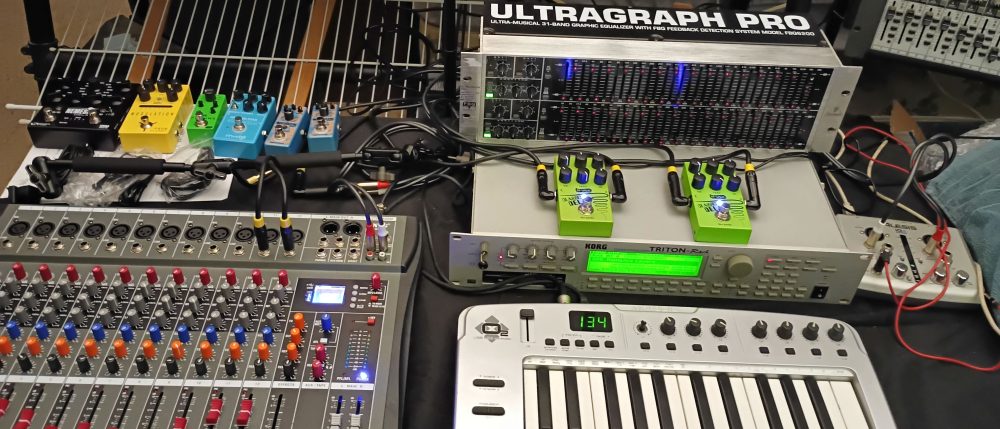
Today I tried to experiment with splitting sound, an audio signal coming from a synthesizer into separate bands and then channels using an Equalizer, and then feeding into separate effects, or two same effects but adjusted differently
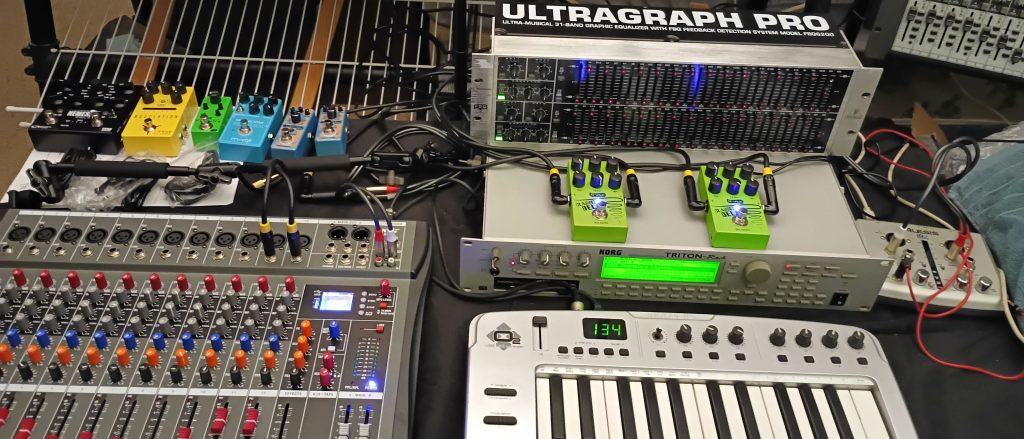
So I took my Korg Triton Rack outputs into the two inputs of the Behringer FBQ6200 equalizer, and then “splitting” the two signals into separate “areas”, from there into KXG GX12 Chinese mixer, panning both channels center, and then feeding each into an effect pedal, either set to a different effect (I used Phaser and Flanger), or as in the second part, two delays adjusted slightly different.
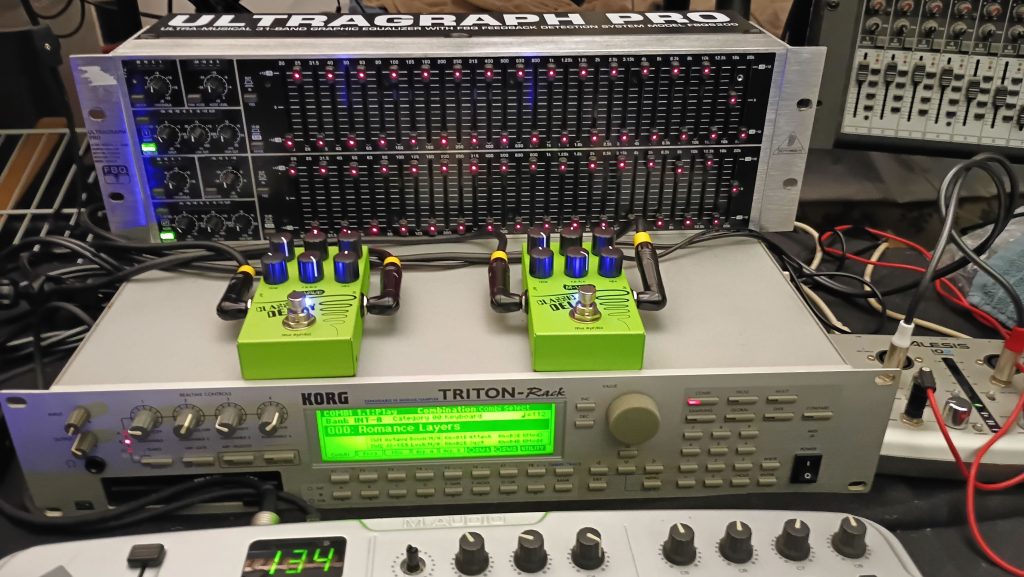
On the Behringer FBQ6200 equalizer I am adjusting every other frequency band full down, then full up, and for the second channel I am doing the exact opposite! Off course there are many ways you can make separate frequency areas with an equalizer, only your creativity and imagination are the limit!
On the equalizer, the frequencies are split when the two left side green LED’s are on. Same thing on the effect pedals. When the equalizer and effects is activated, the effects are processed parallel in the two separate multi-bands. When the equalizer is in bypass, the effects are processed in parallel. Note during the video, that some sounds are better suited for one or the other. Again keep in mind splitting a signal, and going through a two- channel equalizer, making two distinct frequency areas, and then using a different effect for one or both, the possibilities are endless!
Product Availability
Behringer FBQ3120 / FBQ6200 31-Band Two-Channel Equalizer
Koogo Multi-Type Modulation
Korg Triton-Rack
M-Vave Classic Delay
NXG GX12 Mixer